


Add Wireless CarPlay & Android Auto to BMW Factory Screen | CCC/CIC/NBT/EVO Retrofit Module
- ★ 90 Days Money-Back Guarantee
- ★ Two Year Warranty
- ★ Real Plug And Play Device
- ★ Shop tax-free in the US, EU and Australia.

An installation diagram is included. Contact SCUMAXCON support for installation video guidance. Installation requires access to the factory infotainment connections; professional installation is recommended if you are unfamiliar with retrofit equipment.
Navigation, Music & Hands-Free Calling
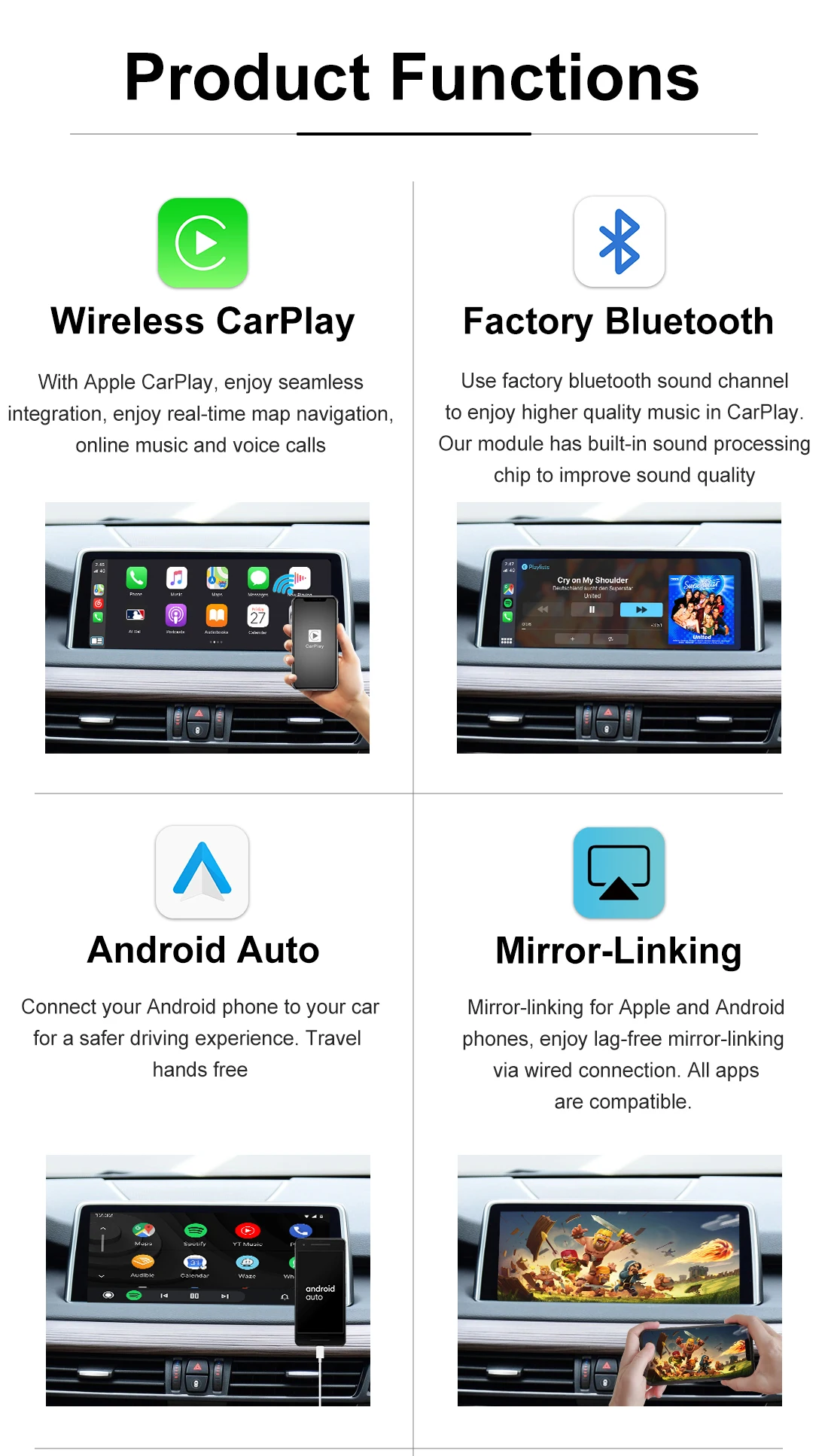
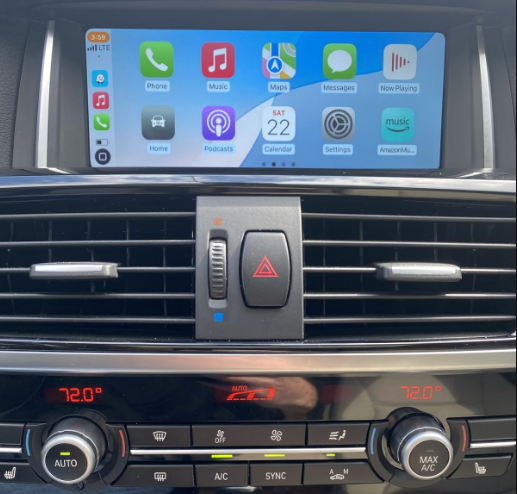
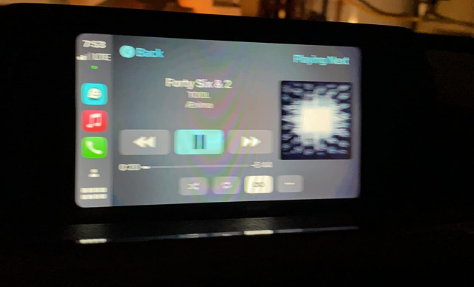
1. Apple CarPlay: Connect a compatible iPhone wirelessly or via USB to access supported navigation, music, calling and messaging apps.
2. Android Auto: Wired and wireless connections are supported. Wireless connectivity depends on your phone's compatibility; use a wired connection if your phone does not support wireless Android Auto.
3. Wired Screen Mirroring: Supports screen mirroring and AirPlay functionality via USB. Use your phone's original or a compatible USB data cable. Device and app restrictions may apply.
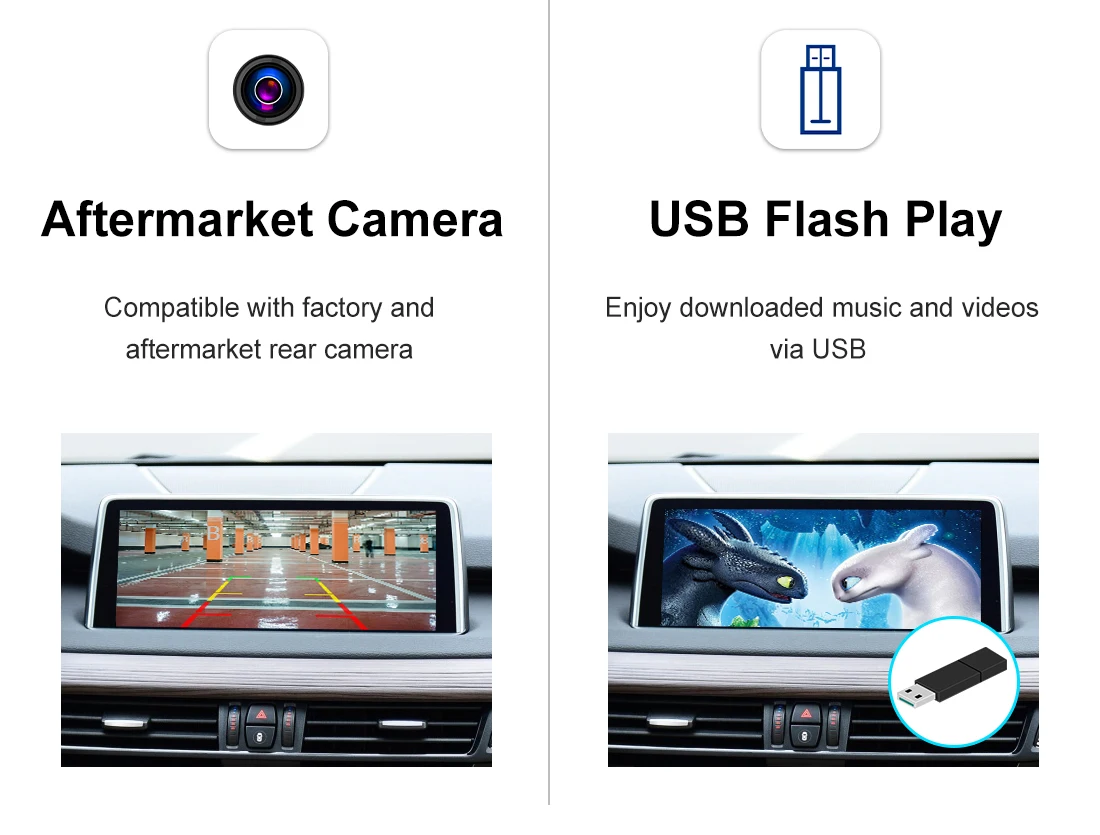
4. USB Media Playback: Play supported music and video files from a USB drive connected to the module's USB port.
5. Camera Integration: Supports compatible factory and aftermarket front or rear cameras. Confirm your camera setup with SCUMAXCON support before ordering.
6. Navigation: Access supported navigation apps through CarPlay or Android Auto. Live traffic features depend on your phone's data connection.
7. Siri Voice Control (a CarPlay microphone must be installed).
8. Hands-Free Calling: Make and receive calls through your connected phone.
Check Compatibility Before Ordering
Select the module version that matches your BMW's original infotainment system: CCC, CIC, NBT or EVO. Vehicle model and year alone may not be enough to confirm compatibility.
Before ordering, send SCUMAXCON support your vehicle model and production year, a photo of the original screen showing the main menu, and a photo of the dashboard and iDrive controller. We can help you select the correct version.
Before You Order & Support
1. For questions about destination-specific taxes or import duties, contact SCUMAXCON support before ordering.
2. Confirm your original infotainment system before selecting a version. Contact SCUMAXCON support if you are unsure.
3. Need help with installation or troubleshooting? Contact SCUMAXCON support with your order number, vehicle details and relevant photos for faster assistance.




|

|

|
|

|

|
|

|

|

Nous vous recommandons également


Customer Reviews
Awesome plug-and-play media module with stable wireless CarPlay connection. Bluetooth pairing takes seconds, Siri voice control works perfectly with the matching microphone. Wired screen mirroring and USB video playback deliver crisp visuals, the two-year warranty gives me complete confidence in quality.
Thank you for your detailed positive feedback! We are glad the wireless CarPlay and long-term warranty met your expectations, enjoy your upgraded driving experience.
Top-tier smart link module with reliable daily performance. Wireless smartphone integration never drops signal during long trips, steering wheel controls remain fully functional. Crisp voice commands, smooth media streaming, and clear parking camera visuals make this an essential vehicle upgrade.
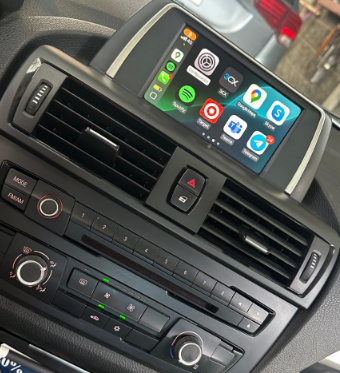
We value your sincere five-star rating! Stable connection and full steering wheel compatibility are core advantages of our smart link module.
This multimedia interface upgrade exceeded all my expectations. It supports both wireless CarPlay and wired Android Auto as suggested in the description, no need to swap the original display. Reverse camera input works seamlessly, hands-free calling has clear audio without static noise.
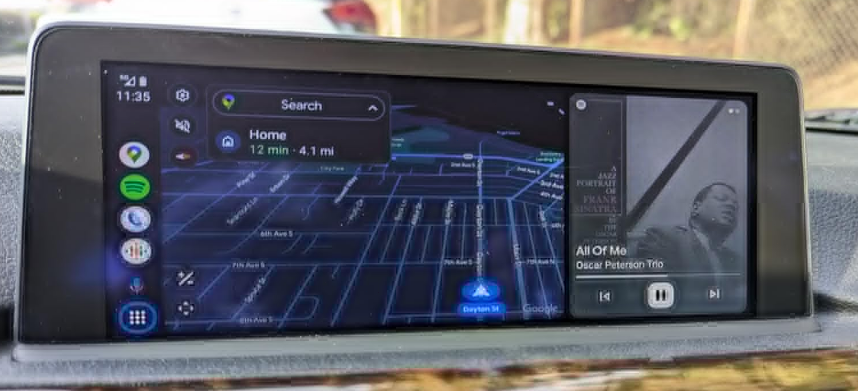
We really appreciate your kind review! It is wonderful to hear the camera integration and calling functions work flawlessly for your daily drives.
Fantastic connectivity retrofit with all advertised features fully functional. Wired Airplay mirroring runs lag-free with original USB cables, compatible with both stock and aftermarket front and rear cameras. The 90-day money-back guarantee made purchasing risk-free, customer support responds rapidly.
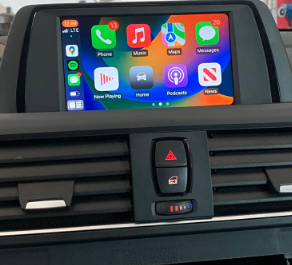
Many thanks for sharing your great experience! Our pre-sales support team is always ready to assist if you need any installation video guidance later.
Super functional connectivity box for factory vehicle screens. Fast auto-connect via Bluetooth every time I power on the vehicle, real-time navigation updates smoothly. USB drive media playback supports various video and audio formats, installation diagrams are easy to follow for self-fitment.
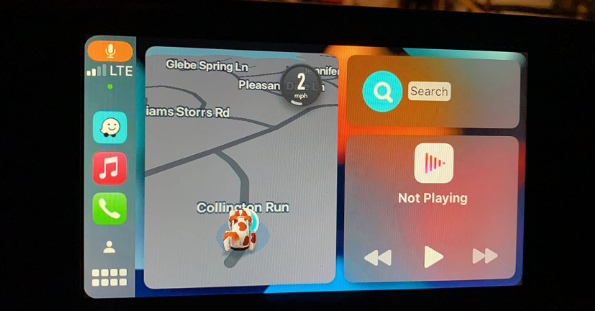
Happy to know our installation guides and multi-format USB playback impressed you, our team strives to make self-install easy for every buyer.
- le choix d'une sélection entraîne une actualisation complète de la page